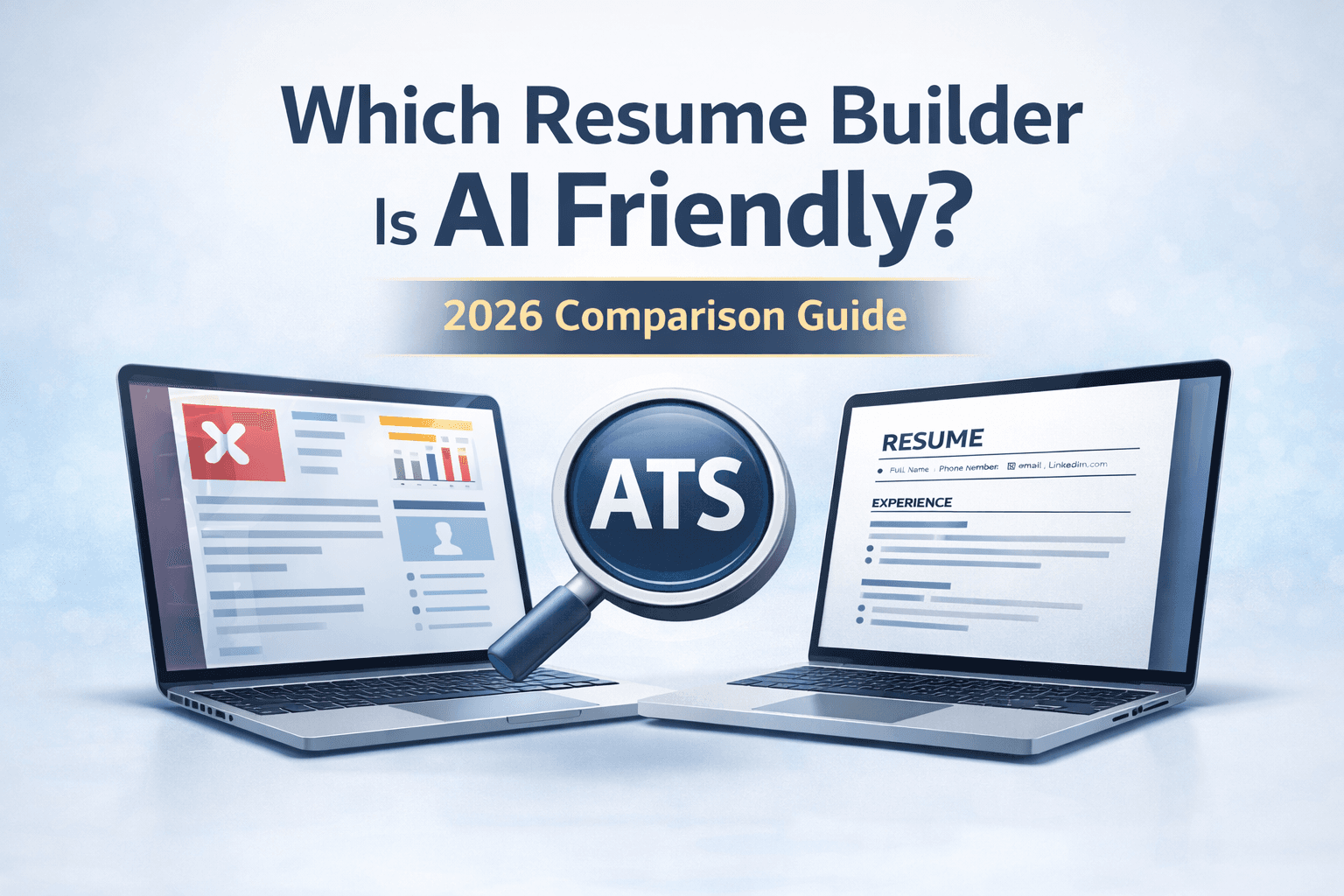
Which Resume Builder Is AI Friendly in 2026?
If you're wondering which resume builder is AI friendly, you're asking the right question. In 2026, most companies use AI-powered Applicant Tracking Systems (ATS) to scan and filter resumes before a recruiter ever sees them.
This means your resume isn’t first read by a human — it’s read by software. If your resume builder creates complex designs, uses tables, or hides text inside graphics, your application may be rejected automatically.
An AI-friendly resume builder creates resumes that are:
- ATS-compatible
- Keyword-optimized
- Structurally clean
- Machine-readable
In this guide, we’ll break down what makes a resume builder truly AI friendly — and how to choose the right one.
What Makes a Resume Builder AI Friendly?
Not all resume builders are built for AI screening. Some focus heavily on visual design but ignore ATS compatibility.
An AI-friendly resume builder must:
- Use a single-column layout
- Avoid graphics, icons, and design-heavy elements
- Generate proper section headings (Experience, Skills, Education)
- Allow keyword optimization
- Export clean .docx or ATS-safe PDF files
If a builder prioritizes creativity over structure, it may hurt your chances of passing AI filters.
How AI Resume Screening Works
To understand which resume builder is AI friendly, you need to understand how AI systems read resumes.
Modern ATS software:
- Extracts text and converts it into structured data
- Matches keywords against the job description
- Ranks candidates based on relevance
- Filters out resumes with unreadable formatting
If your resume builder uses tables, text boxes, or two-column layouts, AI systems may misinterpret or skip critical information.
Common Resume Builders That Are NOT AI Friendly
Many popular resume builders focus on aesthetics instead of ATS performance. Warning signs include:
- Heavy use of icons
- Infographic-style resumes
- Two-column layouts
- Skill bars and charts
- Text embedded in design elements
These resumes may look impressive to humans but often fail AI screening systems.
Key Features to Look for in an AI-Friendly Resume Builder
1. ATS-Optimized Templates
The best resume builders use reverse-chronological formats with clean spacing and clearly labeled sections.
2. Keyword Guidance
An AI-friendly resume builder should help you identify missing keywords from the job description.
3. Proper Section Formatting
Standard headings like:
- Professional Summary
- Work Experience
- Skills
- Education
AI systems are trained to recognize these exact structures.
4. Clean Export Options
Look for builders that export Word (.docx) or ATS-safe PDF formats without design distortions.
5. No Over-Design
Minimal formatting consistently outperforms creative designs in AI screening.
So, Which Resume Builder Is AI Friendly?
The most AI-friendly resume builders share three core principles:
- They are built specifically for ATS compatibility.
- They prioritize structure over visual complexity.
- They guide users on keyword optimization.
Generic resume builders may work, but platforms built specifically for ATS optimization offer significantly better results.
Why ResumeRail Is Designed for AI Screening
ResumeRail is built with one primary goal: helping job seekers pass AI resume screening systems.
Unlike traditional resume builders that focus on visuals, ResumeRail focuses on:
- ATS-first formatting
- Keyword optimization strategies
- Reverse-chronological structure
- Clean, machine-readable layouts
- Role-specific resume tailoring
Every template is structured to match how modern ATS systems parse resumes.
Comparison: AI-Friendly vs Traditional Resume Builders
| Feature | AI-Friendly Builder | Traditional Builder |
|---|---|---|
| ATS Optimized Layout | Yes | Often No |
| Keyword Optimization | Yes | Limited |
| Graphics & Icons | Minimal | Heavy Use |
| AI Parsing Compatibility | High | Unpredictable |
Who Needs an AI-Friendly Resume Builder?
You especially need one if you are:
- Applying to tech companies
- Applying through LinkedIn Easy Apply
- Submitting resumes on large job portals
- Applying to corporate roles
- Competing in high-volume hiring markets (US, Canada, India)
In these environments, AI screening is almost always the first filter.
Signs Your Resume Builder Is Hurting You
- You never get interview callbacks
- Your resume looks visually complex
- You use skill bars or graphics
- You use a two-column layout
If this sounds familiar, your builder may not be AI friendly.
Final Verdict: Which Resume Builder Is AI Friendly?
The best AI-friendly resume builder is one that prioritizes ATS optimization over visual design.
Look for:
- Reverse-chronological templates
- Single-column layout
- Keyword optimization guidance
- Clean file exports
Choosing the right resume builder can dramatically increase your chances of passing AI screening and landing interviews.
Create Your AI-Friendly Resume Today
Don’t leave your job search to chance. Use a resume builder designed specifically for AI screening systems.
ResumeRail helps you create structured, keyword-optimized, ATS-ready resumes that pass AI filters — so recruiters actually see your application.
ResumeRail Team
Career & Resume Experts